
Scan a document to PDF in under a minute
You don't need a flatbed scanner or a copy shop. Here's how a scan works in Pix Scan:
- Tap Scan documentOpen Pix Scan and tap Scan document on the Home screen.
- Hold your phone over the pageEdge detection finds the page and captures it. Keep going: one scan can hold up to 100 pages.
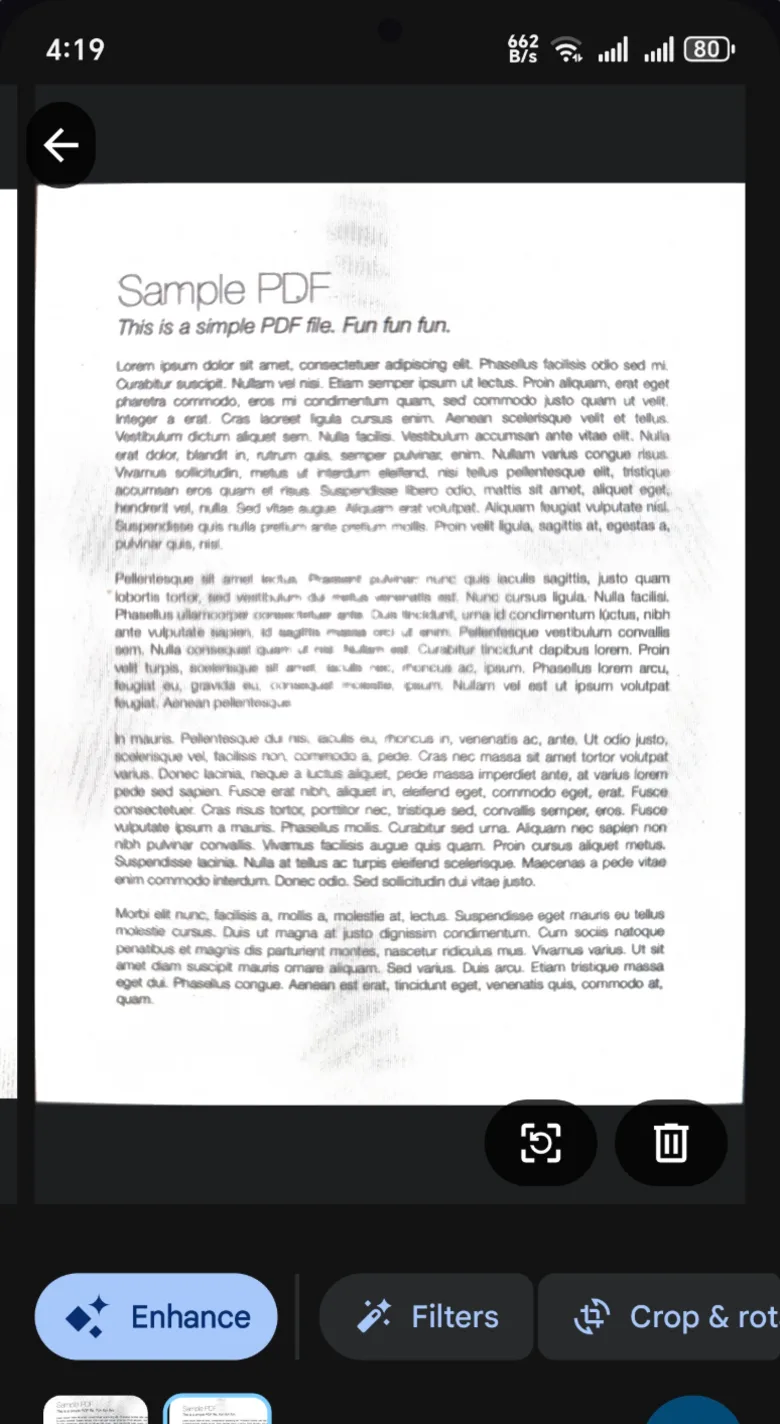
- Check each pageCrop, rotate or pick a filter: Original, Enhance, Grayscale or B&W. Apply it to one page or all of them.
- Save and shareYour PDF lands in Documents. Share it by email, WhatsApp or Telegram, or save a copy to any folder.
Scan modes for awkward documents
Some paper doesn't fit a normal scan. Pix Scan has a mode for the usual troublemakers:
- ID card: scan the front and back, and get both sides on one page, ready for a form or an email.
- Book: photograph two facing pages and Pix Scan splits them into separate pages.
- Long receipt: capture receipts that are too tall for one shot.
Clean, readable scans
Shadows, yellow paper and bad light make scans hard to read. Enhance brightens the page and sharpens the text, Grayscale keeps photos and stamps in a small file, and B&W gives you crisp black text on white, like a photocopy.
Missed something? Open the PDF later to reorder, rotate, crop, split, replace or delete pages, or add new pages from the camera or gallery.
Your scans stay on your phone. Pix Scan scans and saves on your device, works without internet, and never asks you to sign in.
What you can do next
A scan is usually the start of a job, not the end. From the same screen you can:
- Extract the text to copy into an email or document. How OCR works in Pix Scan
- Listen to it or save it as an MP3. Turn a PDF into audio
- Sign it with your own drawn signature
- Add a password with AES-256 encryption before you send it
- Compress it so it fits in an email, or merge it with other PDFs
Common questions
Is Pix Scan free, with no watermark?
Yes. Pix Scan is free with no premium tier, and your PDFs have no watermark or branding. There are no ads either.
Can I scan several pages into one PDF?
Yes. One scan can hold up to 100 pages, and you can add more pages to the PDF later from the camera or gallery.
Can I make a PDF from photos I already took?
Yes. Import photos from your gallery and Pix Scan turns them into a PDF. You can crop each photo to its page.
Does the scanner work without internet?
Yes. Scanning, filters, editing and saving all work offline, and your documents stay on your phone.
